How to Create a Payment Link
Modified on: 1 April 2026
Payment links are a great way to sell products and or services without the need of a website. Create a full payment page in just a few clicks and share the link with your customers—no code required!
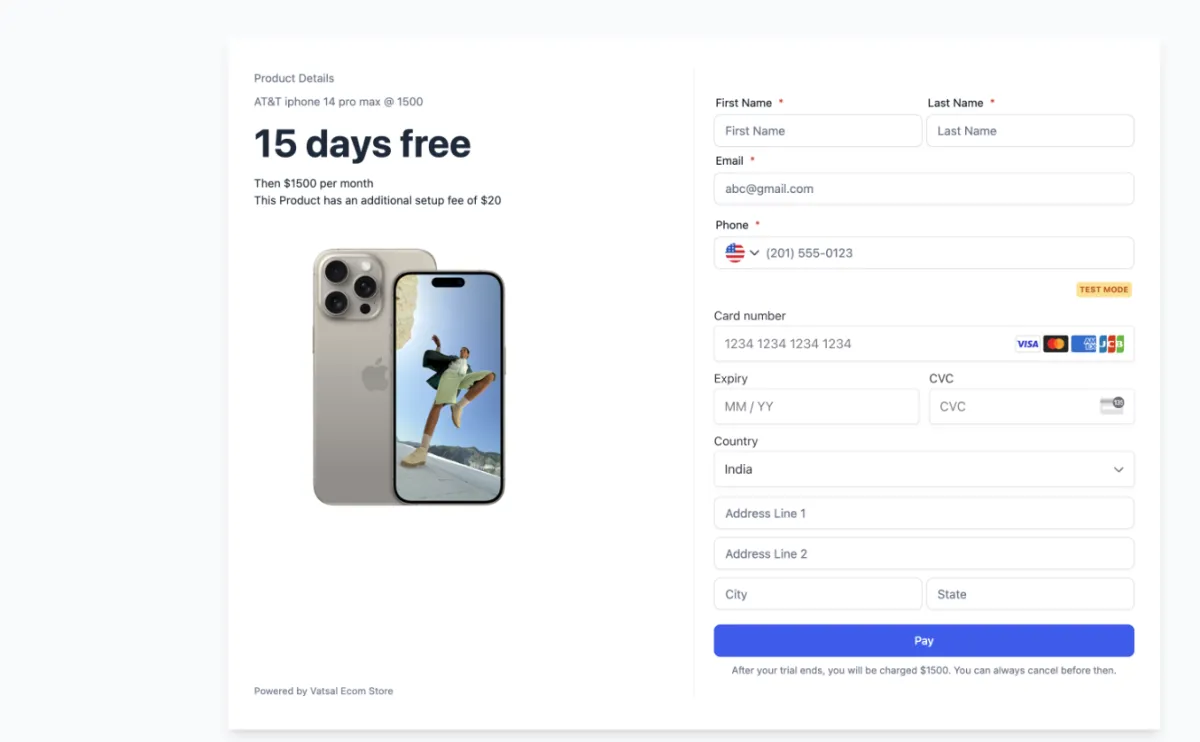
Note: Before you can create a Payment Link, you must first create a Product. To create a Product, go to Payments > Products > Create Product. Any images saved to the product will automatically display in the Payment Link
How To Create A Payment Link
1. Navigate to Payments > Payment Links > Create Link
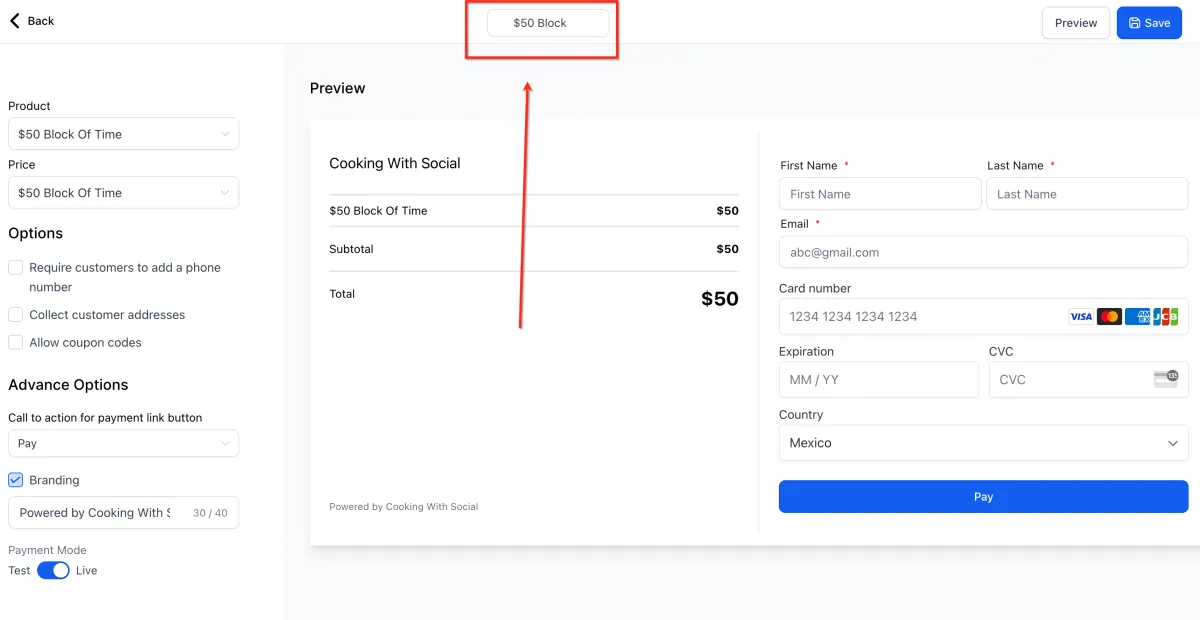
2. Give your Payment Link a Name at the top of the screen
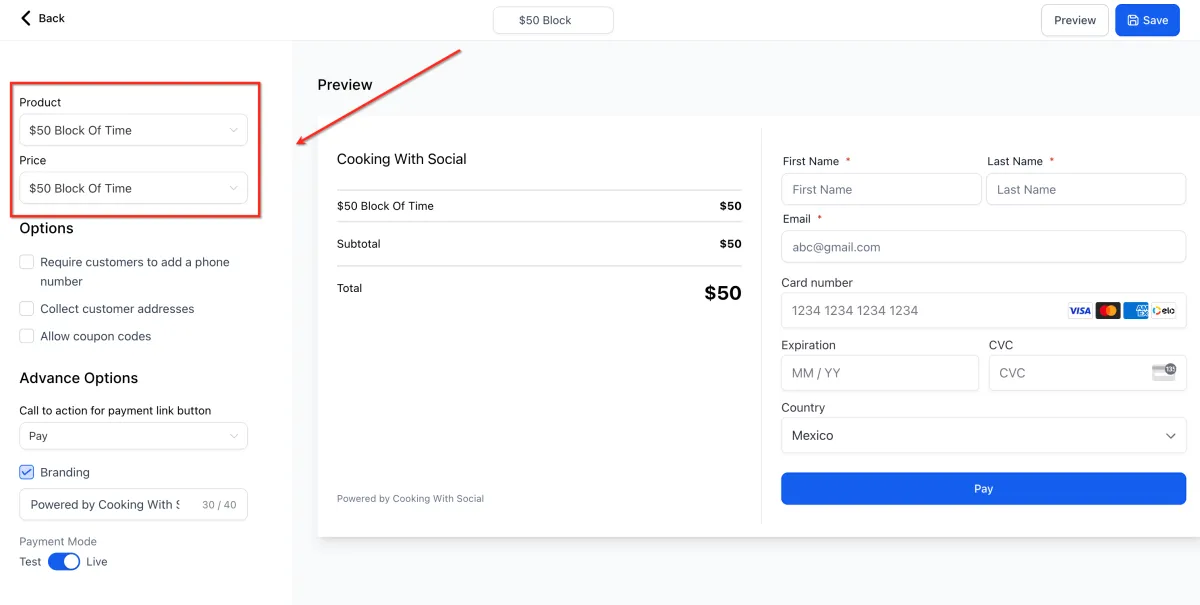
3. Select a Product then select its Price
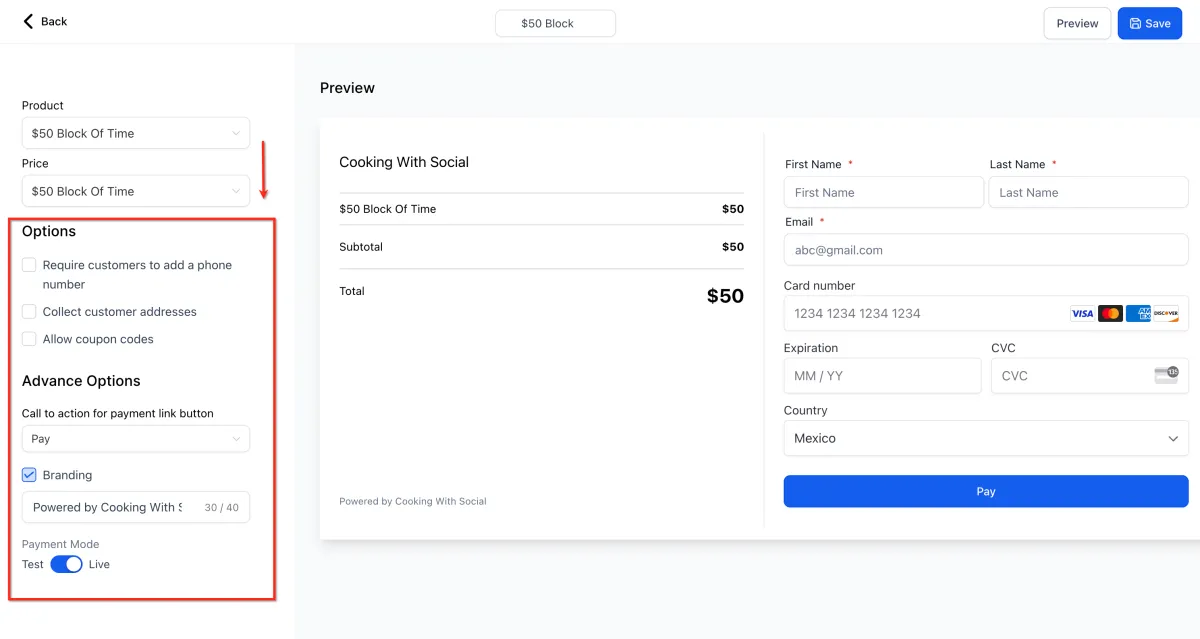
4. Configure Optional settings and click Save
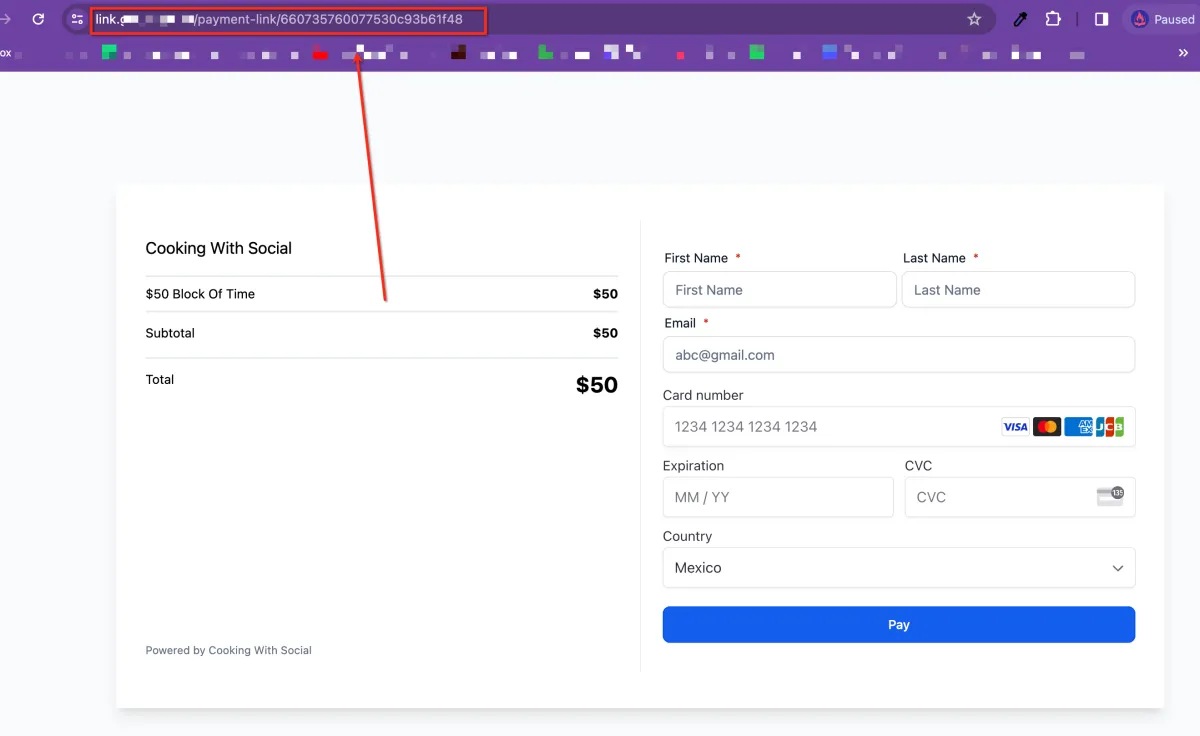
5. Click Preview then copy the link from your browser and send to recipient
Add Multiple Products to One Payment Link
CONNECT
Reach out to us!